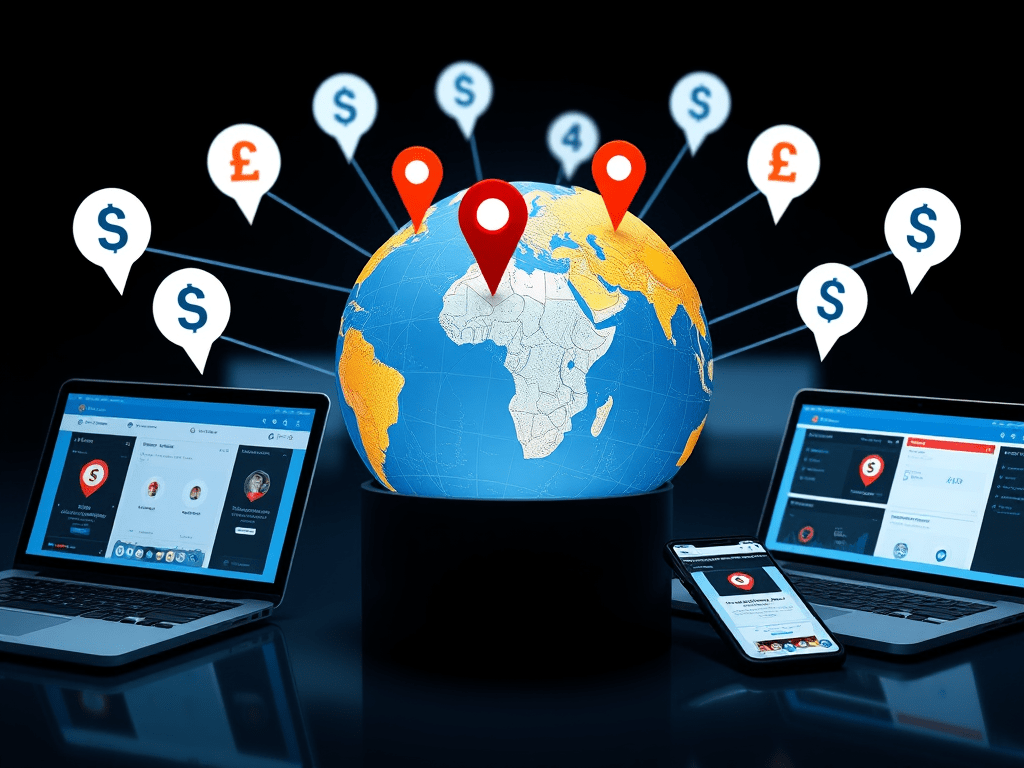
If you’re an ecommerce owner, digital marketer, developer, or content creator trying to engage global visitors, you’ve likely faced this issue: how do you personalize the experience for each visitor without maintaining multiple websites? The answer is simple and effective — Geo Targeting. This guide helps you understand how GeoTargetly, an all-in-one geo targeting platform, can help you improve engagement, reduce bounce rates, and dramatically increase conversions.
👉 Try GeoTargetly now with a free trial and exclusive offer: GeoTargetly Coupon Offers
What is Geo Targeting and Why You Need It
Geo targeting customizes your website experience based on your visitor’s location. For example, you can show Indian users content in Hindi and prices in INR, while American visitors see English content and USD pricing. Without geo targeting, everyone sees the same page — even if it’s not relevant.
Key Benefits
- Increase your conversion rates significantly
- Show country-specific content to boost engagement
- Deliver personalized offers to drive sales
- Build local trust by making users feel at home
Geo personalization is a proven way to drive more sales, reduce bounce rates, and keep your audience coming back.
Explore GeoTargetly’s Geo Targeting Tools
GeoTargetly offers a wide range of geo targeting tools. You get everything under one dashboard, and setup requires just a single JavaScript code snippet — no developers needed.
Geo Redirect
Redirect visitors to different versions of your website based on their country or region.
Example: Send U.S. visitors to /us/ and Indian visitors to /in/.
This ensures that visitors always see relevant content, which helps reduce bounce rates and increase session duration.
Geo Links
Create smart short URLs that change the destination page based on the user’s location.
Use Case: A single ad link leads Canadian users to a CA landing page and Australians to an AU version.
This tool is perfect for global marketing campaigns.
Geo Content
Change text, images, videos, or HTML based on the visitor’s region.
Example: “Free Delivery in Delhi” appears only for users in Delhi.
You can create dynamic landing pages tailored to different geographies.
Geo Popups
Display location-specific popups with offers, messages, or reminders.
Use Case: Show a coupon popup for Mumbai shoppers and a weather-based promo for London users.
Perfect for local offers, sales promotions, or lead capture.
Geo Announcement Bars
Add top-page banners with location-targeted messages and calls to action.
Example: “Get 15% off – Exclusive for Chennai Visitors”
This helps increase visibility of local promotions without being intrusive.
Geo Exit-Intent
Before visitors leave, show geo-targeted offers based on their city or country.
Example: U.S. visitors abandoning their cart see “Wait! Get 10% off now.”
Reduce cart abandonment with last-minute, location-specific offers.
Geo Blocking
Restrict users from specific locations or redirect them to a different page.
Example: Block users from unserviceable countries and show them a waiting list.
Control access while keeping users informed.
Geo Currency
Display prices in local currency. You don’t need a currency switcher.
Example: Show prices in INR for Indian users and AUD for Australians.
This improves user trust and simplifies checkout.
Geo JavaScript
Run different JavaScript functions based on the visitor’s location. Great for devs who want custom logic.
Example: Load different analytics tags for EU vs. U.S. users.
Offers advanced flexibility with a low learning curve.
Geo Location Data
Get country, state, and city details of your visitors in real time.
Use Case: Use this data to show custom offers or auto-fill forms.
Useful for real-time personalization and targeting.
Advanced Location Segmentation
Segment your traffic with precision. Target or exclude users by:
- Country
- State
- City
- IP address
- Latitude/longitude zones
Easily create inclusion or exclusion rules — all without coding.
This is ideal for complex marketing and compliance use cases.
Who Should Use GeoTargetly?
GeoTargetly is ideal for:
- Ecommerce owners – Localize your store content and pricing
- Marketers – Launch geo-focused ad campaigns
- SaaS companies – Personalize CTAs and onboarding
- Developers – Add geo logic with Geo JavaScript
- Agencies – Offer advanced localization to clients
Whether you run a global business or serve just a few regions, GeoTargetly makes it easier to tailor your website experience.
Simple Setup with No Coding Required
You don’t need a developer. Just:
- Add a one-time JavaScript snippet
- Set your geo rules using the dashboard
- That’s it — your site is now location-aware
Compatible With
- Shopify
- WooCommerce
- WordPress
- Wix
- Magento
- Squarespace
- Any HTML-based site
Your website remains fast and responsive. GeoTargetly scripts are lightweight and hosted on global servers.
Real-World Use Cases
Ecommerce Localization
A store based in India wanted to sell globally. With GeoTargetly:
- Indian users saw INR pricing and local shipping
- UK users saw a
/uk/store with GBP and local promos
Result: 45% increase in conversions
Regional Offers via Popups
A fashion brand in the U.S. used geo popups to target only customers in colder regions with winter jacket promotions.
Result: Higher ROI on ad spend and increased relevance
Geo Blocking for Compliance
A fintech SaaS platform blocked users from countries outside their licensed zones using Geo Blocking.
Result: Improved compliance with zero development effort
Custom Analytics by Region
A global brand used Geo JavaScript to run different tracking scripts for EU vs. non-EU traffic, staying GDPR-compliant.
Result: Accurate data tracking and compliance
Frequently Asked Questions
Does GeoTargetly slow down my site?
No. Scripts are lightweight and hosted on fast global servers.
Is it GDPR compliant?
Yes. It doesn’t use cookies or store personal data.
Can I use it on multiple websites?
Yes. One plan covers multiple domains.
Is support available?
Yes. Access product guides and expert help:
- Documentation
- Product Guides
- Email: support@geotargetly.com
- Feedback: Submit Feedback
Do I need to code anything?
No. All tools are beginner-friendly.
Try It Free and Save More
Start your 14-day free trial. No credit card needed. Plans start from just $9/month.
👉 Use this exclusive offer to save or go directly to GeoTargetly to start now.
Useful Internal Links
- GeoTargetly Trends Blog – trends.cbshop.in
- GeoTargetly Coupons – cbshop.in
- GeoTargetly Reviews – reviews.cbshop.in
- LinkedIn Article
- Medium.com Guide
Final Thoughts
When you show your visitors the right message, in the right language, with the right currency — they trust you more. GeoTargetly helps you do exactly that.
You don’t need a big team or a complex platform. Just one smart tool.
Start geo targeting today. Your conversions will thank you.
👉 Start with GeoTargetly or unlock special pricing via Cbshop.in offers.
Follow GeoTargetly:
Twitter | Facebook | LinkedIn
Address: Obchodná 2, 811 06 Bratislava, Slovakia


Leave a comment